Request a Dedicated GPU Cluster
Request a dedicated GPU cluster with guaranteed availability for enterprise-scale AI/ML workloads.
In Hyperstack, you can request access to dedicated GPU clusters tailored for enterprise-scale AI/ML workloads. These private, scalable environments offer full control, compliance, and guaranteed GPU availability on our sovereign cloud, making them ideal for regulated industries and large-scale training. This article explains what dedicated GPU clusters are, when to use them, and how to request one.
Overview & Use Cases
A dedicated GPU cluster is a fully isolated pool of compute capacity provisioned exclusively for your organization. It provides consistent, high-performance access to GPU resources with enterprise-grade reliability and support. These clusters are not shared with other users and are tailored to your specific needs, including compute, networking, storage, and access policies.
These clusters are ideal for:
- Large-scale AI/ML training on high-end NVIDIA GPUs, such as A100, H100, H200, and Blackwell-generation B200 and B300
- Teams that need private infrastructure, custom networking, and storage
- Regulated industries requiring sovereign cloud and compliance
- Organizations demanding queue-free, guaranteed GPU access
- Projects requiring SLA-backed performance and dedicated tenancy
Clusters can be provisioned on Hyperstack's sovereign cloud, with support for regulatory compliance and custom contracts.
How to Request a GPU Cluster
Hyperstack makes it easy to request a dedicated GPU cluster directly from the console. Follow the steps below to submit your requirements.
-
Sign in to Hyperstack using your credentials. If you don’t have an account yet, you can create one.
-
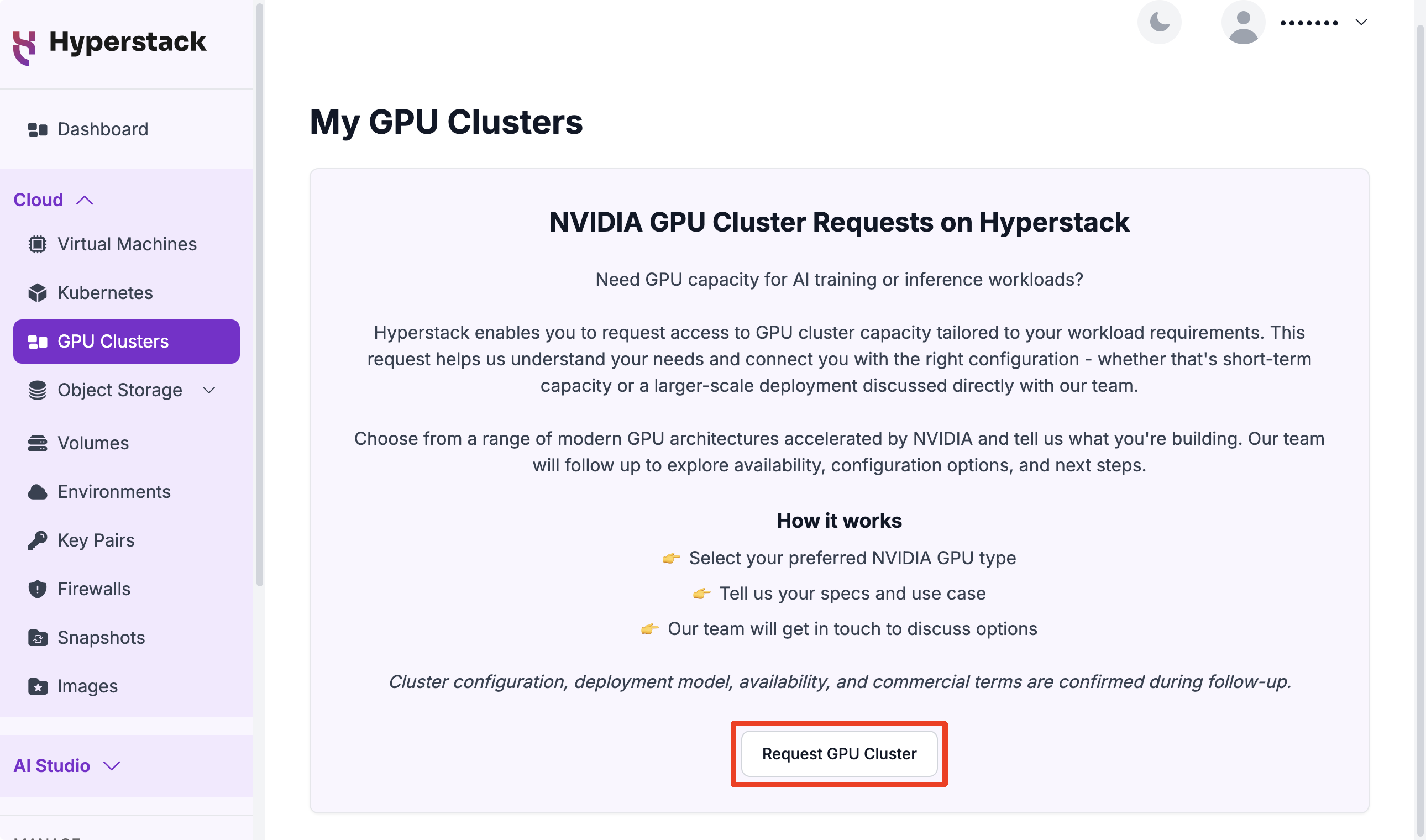
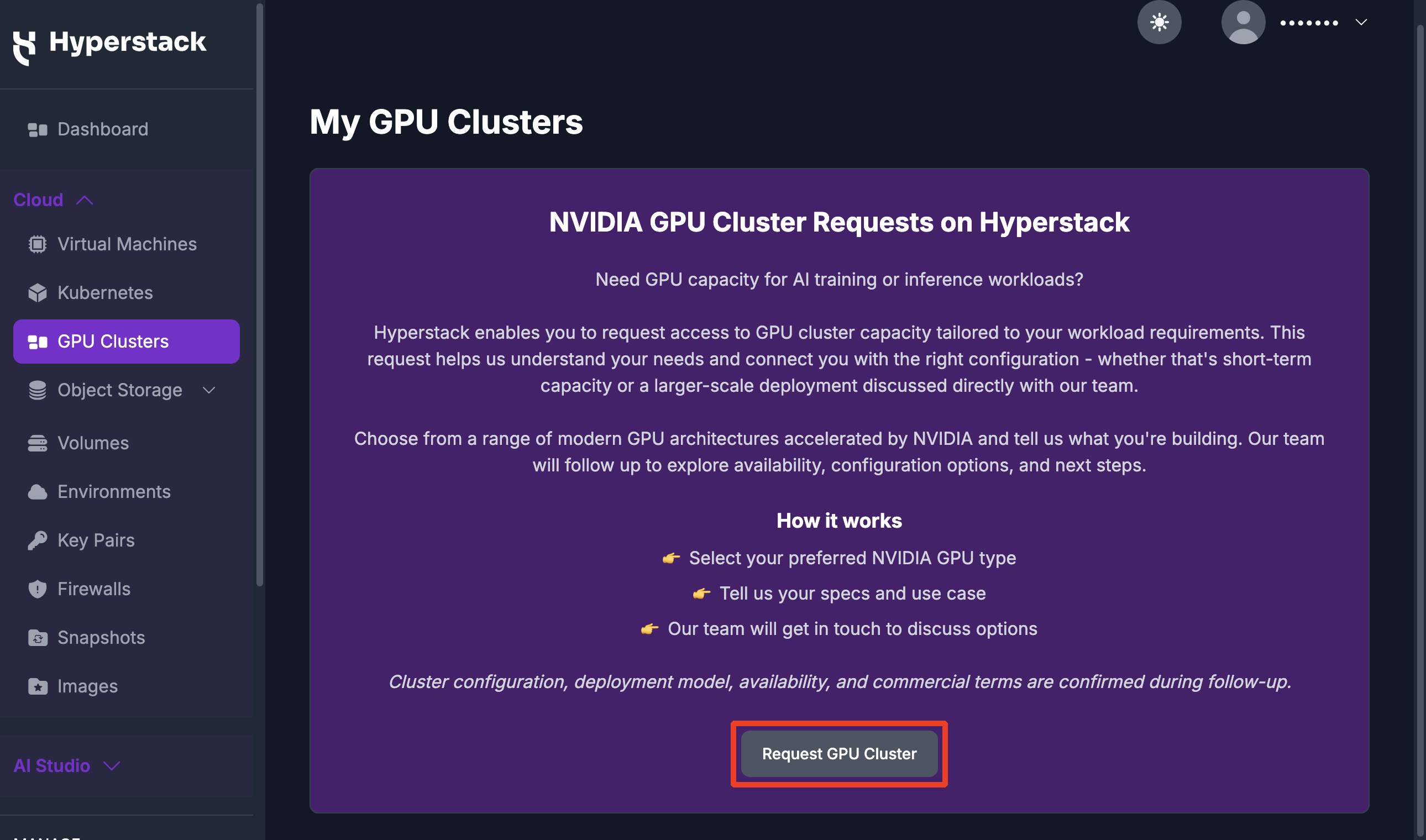
Once logged in, navigate to the GPU Clusters page.
-
Click the Request GPU Cluster button to begin the request process.
-
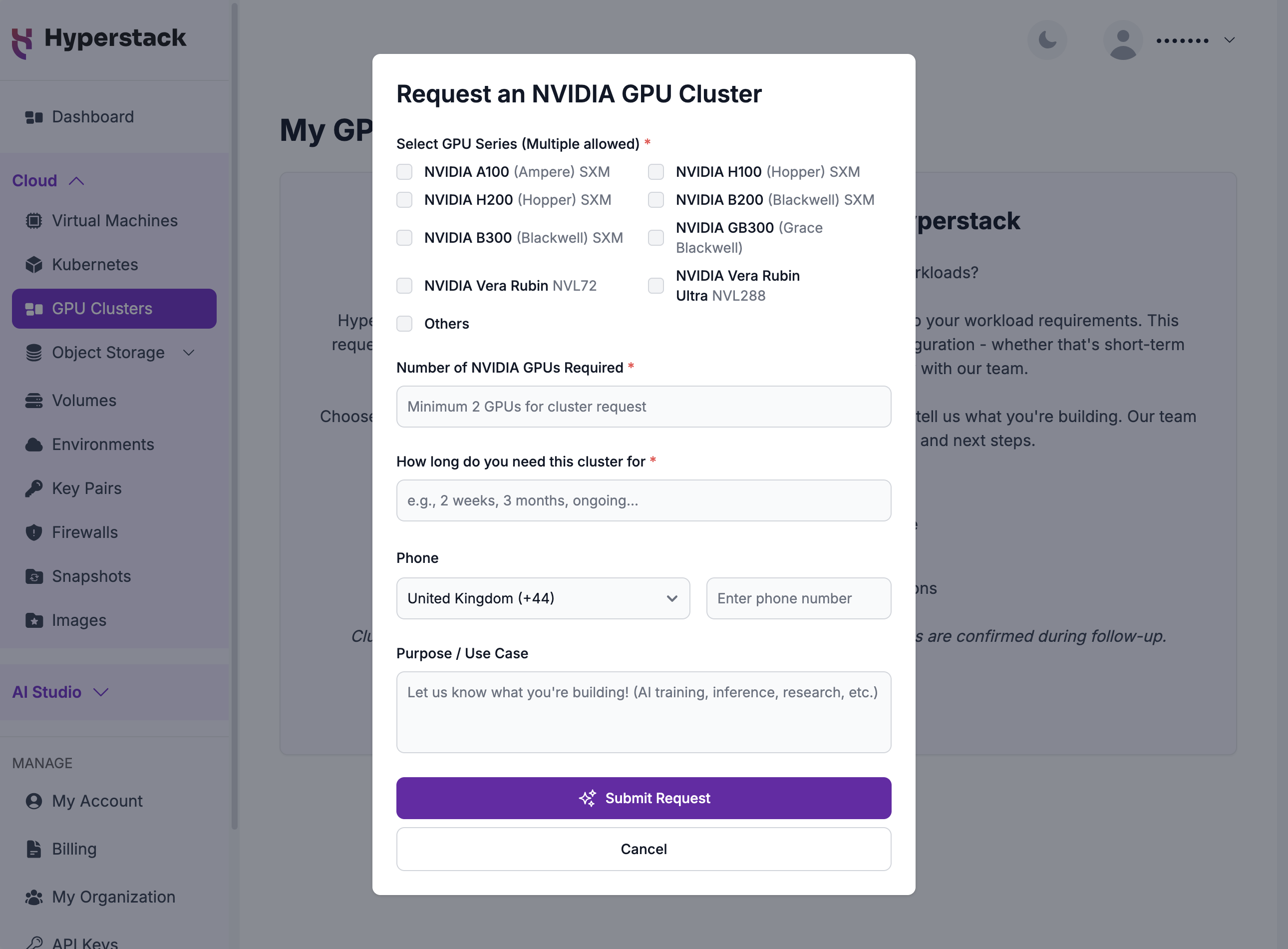
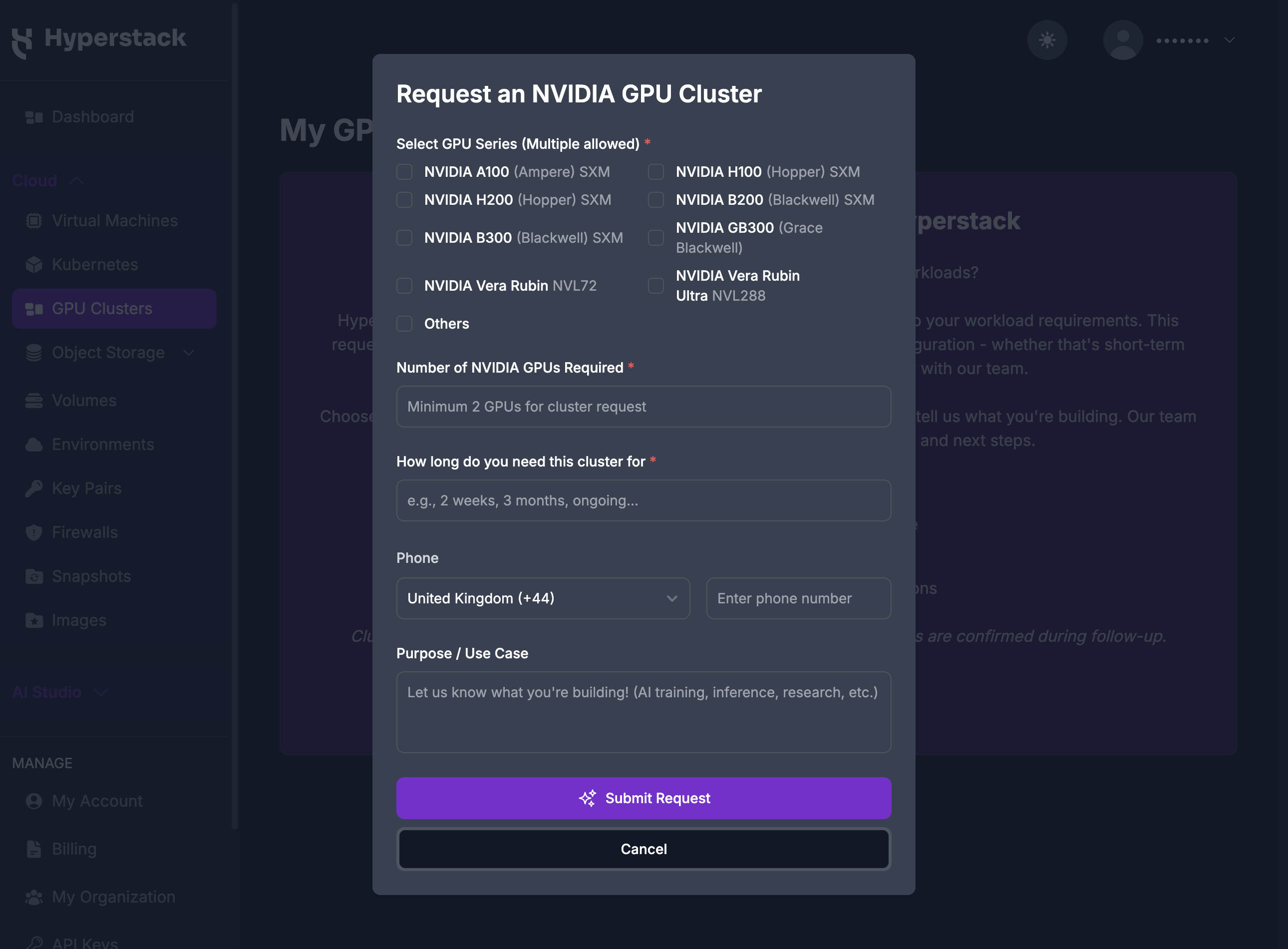
The Request an NVIDIA GPU Cluster form opens. Complete the following details:
- Select GPU Series (Multiple allowed): Choose one or more NVIDIA GPU series. The options range from current architectures, such as A100 and H100, to next-generation Blackwell (B200 and B300) and Vera Rubin, with an Others option for a series that is not listed.
- Number of NVIDIA GPUs Required: Enter the total number of GPUs you need. A cluster request requires a minimum of 2 GPUs.
- How long do you need this cluster for: Indicate how long you expect to need the cluster, such as 2 weeks, 3 months, or ongoing.
- Phone (optional): Provide a phone number so the team can follow up with you.
- Purpose / Use Case (optional): Describe what you plan to build, such as AI training, inference, or research.
-
After completing the form, click the Submit Request button. A confirmation message will appear, letting you know that your request has been received and is under review.
Your request is automatically forwarded to our team.
A Hyperstack representative will follow up with you to:
- Confirm your cluster requirements
- Provide pricing details and availability
For any questions or to discuss more complex configurations, reach out to us directly at [email protected].