API Keys
Credentials that authenticate your programmatic requests to the Hyperstack and AI Studio APIs.
An API key is a secret credential that identifies you to the Hyperstack platform when you call it programmatically instead of signing in to the console. You include the key with each request to the Hyperstack API or the AI Studio API, and it authenticates the request under your account. This article covers creating, viewing, rotating, and deleting your keys in the console, along with their scope and limits. For the request header and code samples, see Authentication.
Overview
You manage your API keys on the API Keys page, reached from Manage → API Keys in the console. Each key is created with a name and an optional description, and every key you hold is listed there with its masked value and creation date. Creating and holding API keys is free.
A key is generated once and its value is shown a single time, at creation. Afterward the console only ever displays the masked form, so the full value cannot be retrieved later. The value itself is opaque and immutable: use it exactly as copied, and never parse or modify it. You can rename a key, but you cannot change its value, so replacing a key means generating a new one and deleting the old one.
What an API key can access
An API key is personal to the individual user who created it, not shared with other users in your organization, so each user manages their own keys. A single key authenticates your requests across every environment and region in your organization, and carries your role and permissions, so it can perform any operation your role allows. There is no per-key or per-environment scoping.
An API key authenticates your calls to the Hyperstack API. An SSH key pair authenticates your login to a virtual machine and, unlike an API key, belongs to a specific environment. Object Storage uses its own S3 access keys, managed separately on the Access Keys page.
The same key works for AI Studio
The key you generate here also authenticates the AI Studio API for inference and other AI Studio calls. The credential and the api_key request header are the same for both APIs; only the base URL differs. See Authentication and the AI Studio API documentation for the request format and base URL of each.
Generate an API key
-
Navigate to the API Keys page and click Generate a New API Key to open the modal window.
-
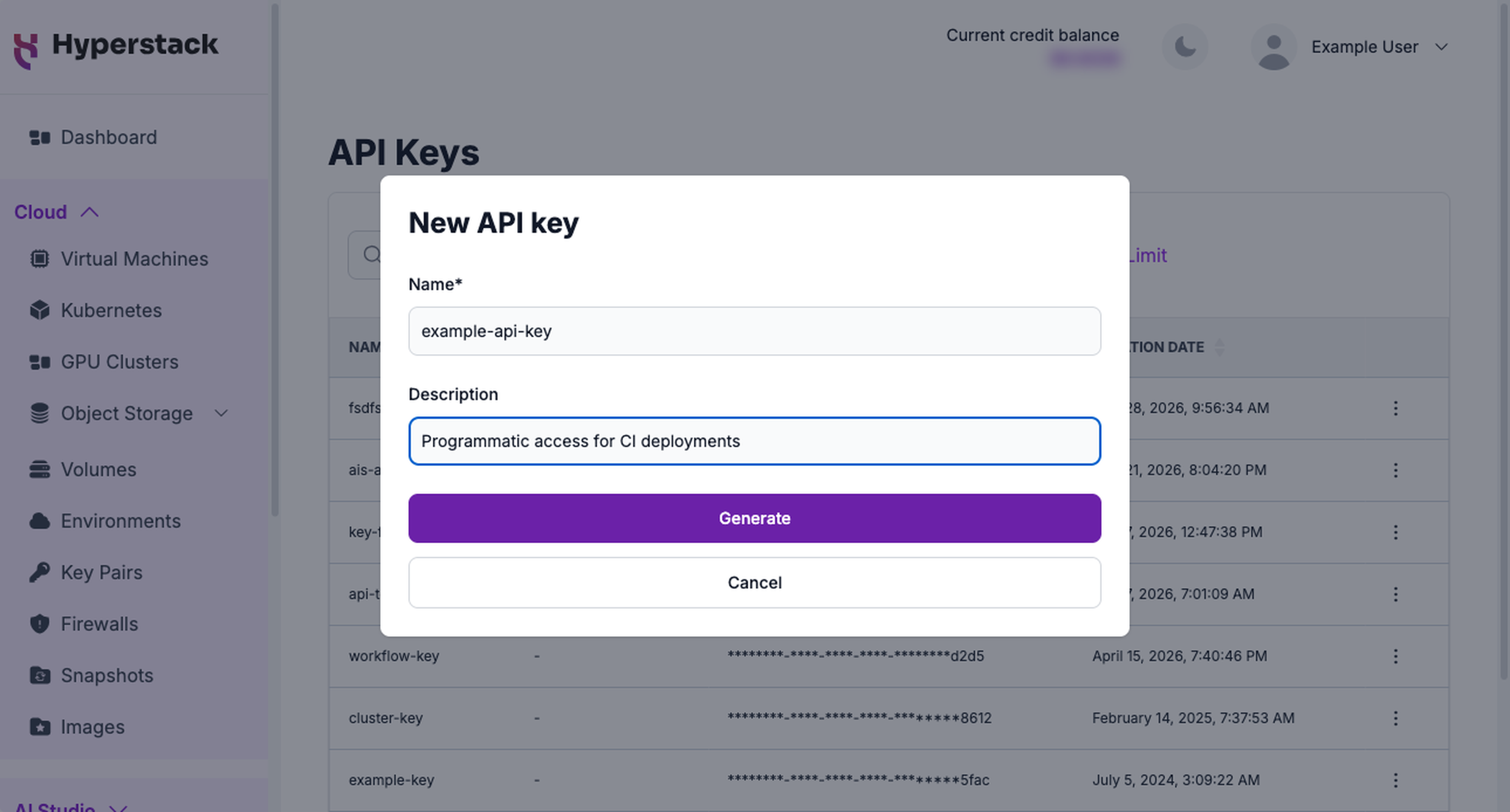
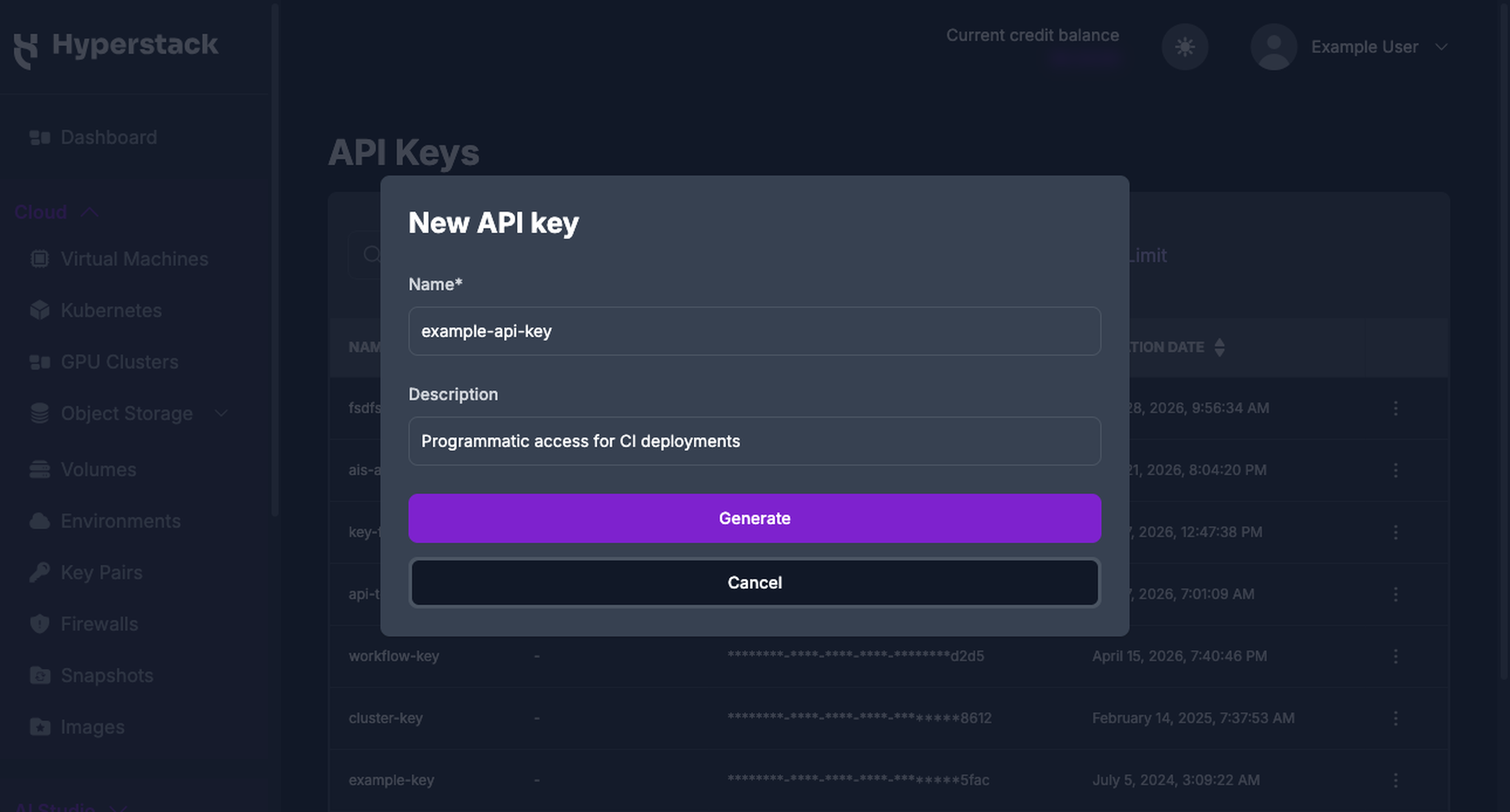
Complete the fields in the modal:
a. Name: Enter a name for the key, up to 200 characters. Use a name that identifies where the key is used, such as
ci-pipeline.b. Description: Optionally add a description. This field does not affect the key and can be edited later.
-
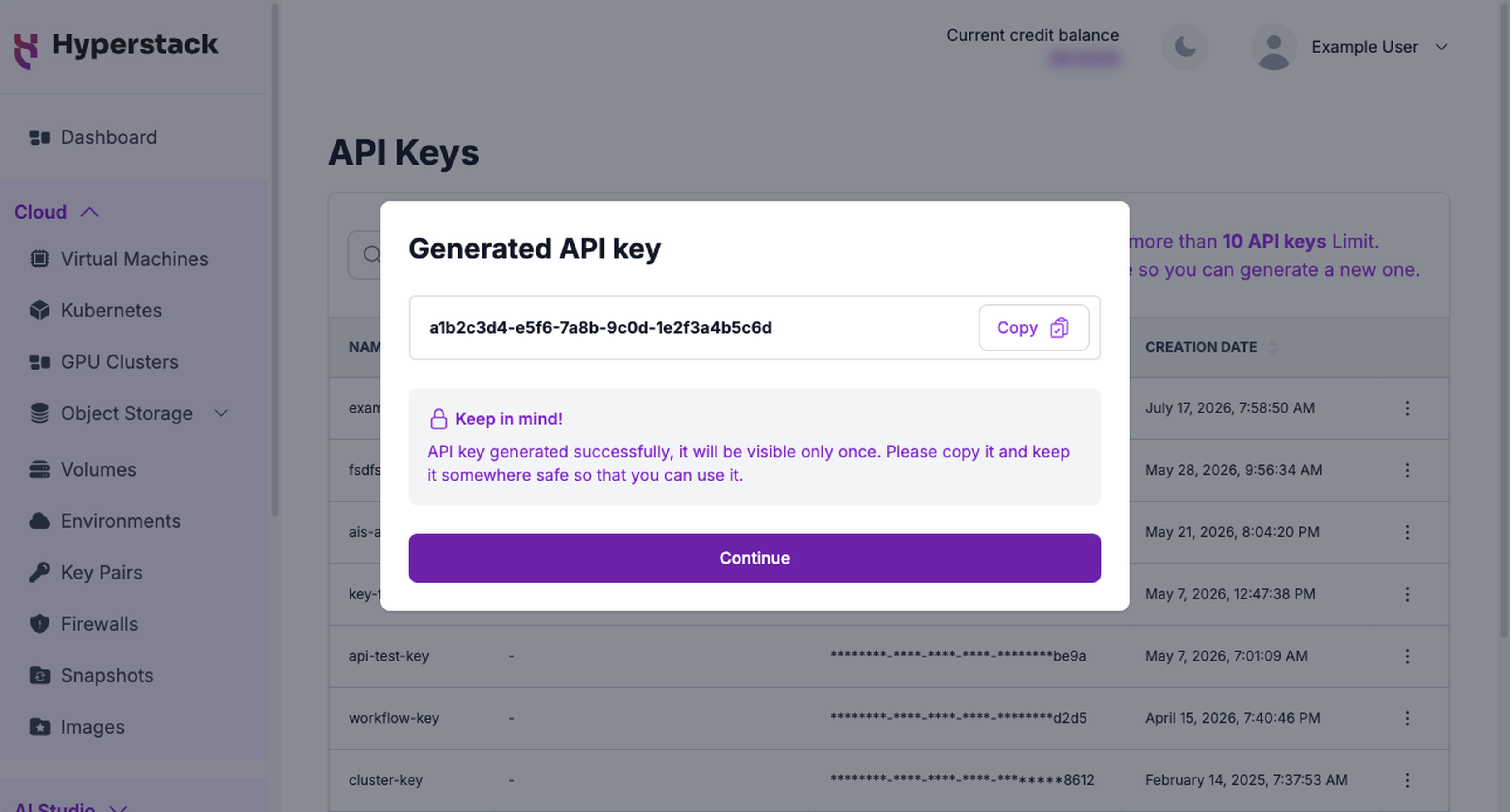
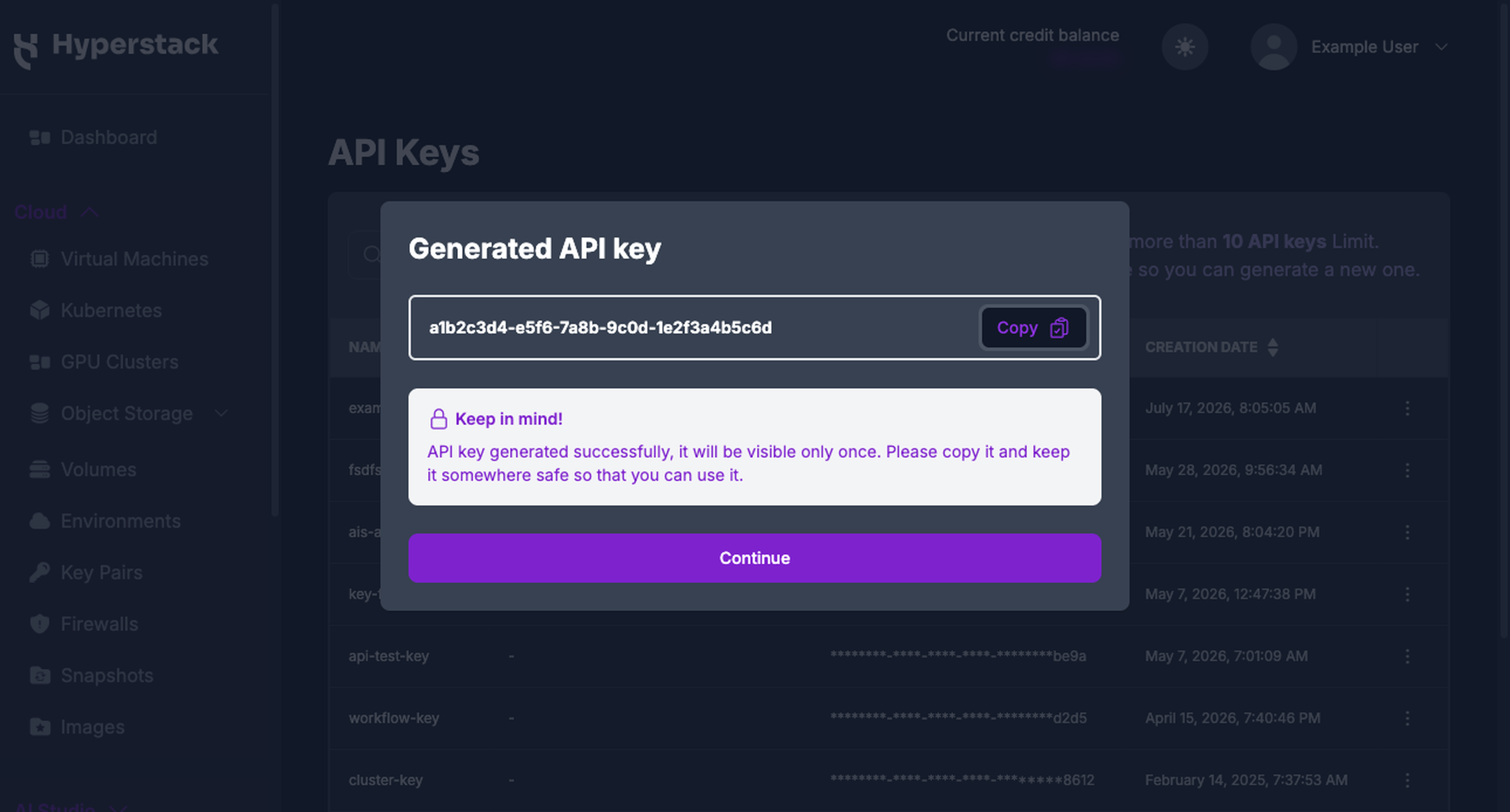
Click Generate. The console displays the full key value once.
Copy the key now, it is shown only onceClick Copy and store the value somewhere safe, such as a secrets manager, before you dismiss the dialog. Once you click Continue, the console shows only the masked key and the full value cannot be recovered. If you lose it, generate a new key and delete this one.
-
Click Continue. The new key appears at the top of the table. Generating a key does not affect any of your existing keys.
Manage your API keys
The API Keys page lists your keys with their name, description, masked value, and creation date. Sort by name or creation date with the column headers, or find a key with the search field. Update and delete actions sit behind the ⋮ menu on each row.
Update a key's name or description
Only the name and description can change. The key value stays the same, so updating these fields is safe and does not affect any client using the key.
-
Navigate to the API Keys page and click the ⋮ menu on the key's row.
-
Click Update to open the details modal.
-
Edit the name or description and click Save Changes.
Rotate an API key
API keys do not expire. Rotate them on a regular schedule, and immediately if a key is exposed. Because your existing keys keep working when you add a new one, you can rotate without downtime:
-
Generate a new key and copy its value.
-
Update every client that uses the old key to send the new value.
-
Delete the old key once nothing depends on it.
The old key keeps working until you delete it, so complete the switch before removing it.
Delete an API key
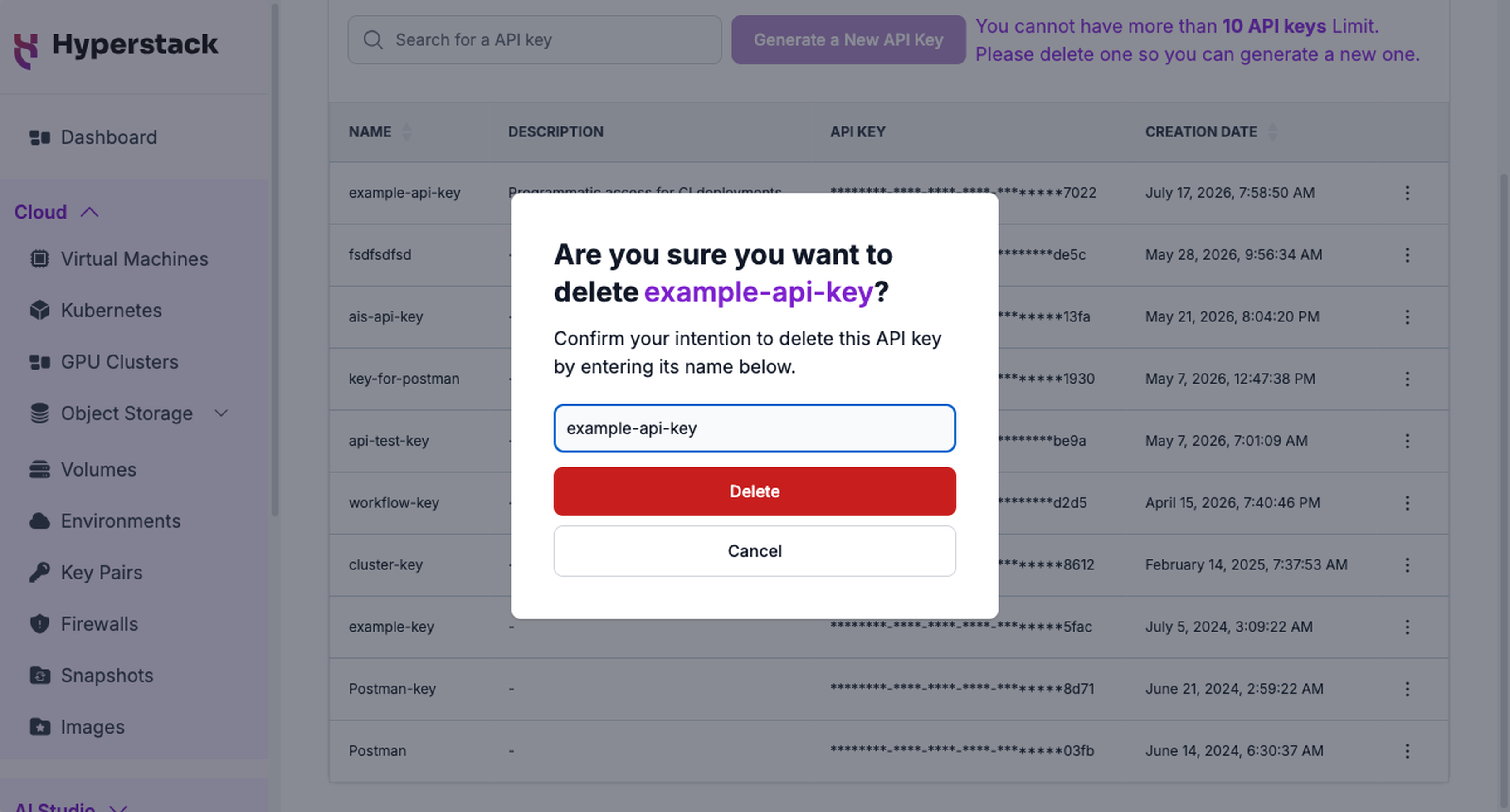
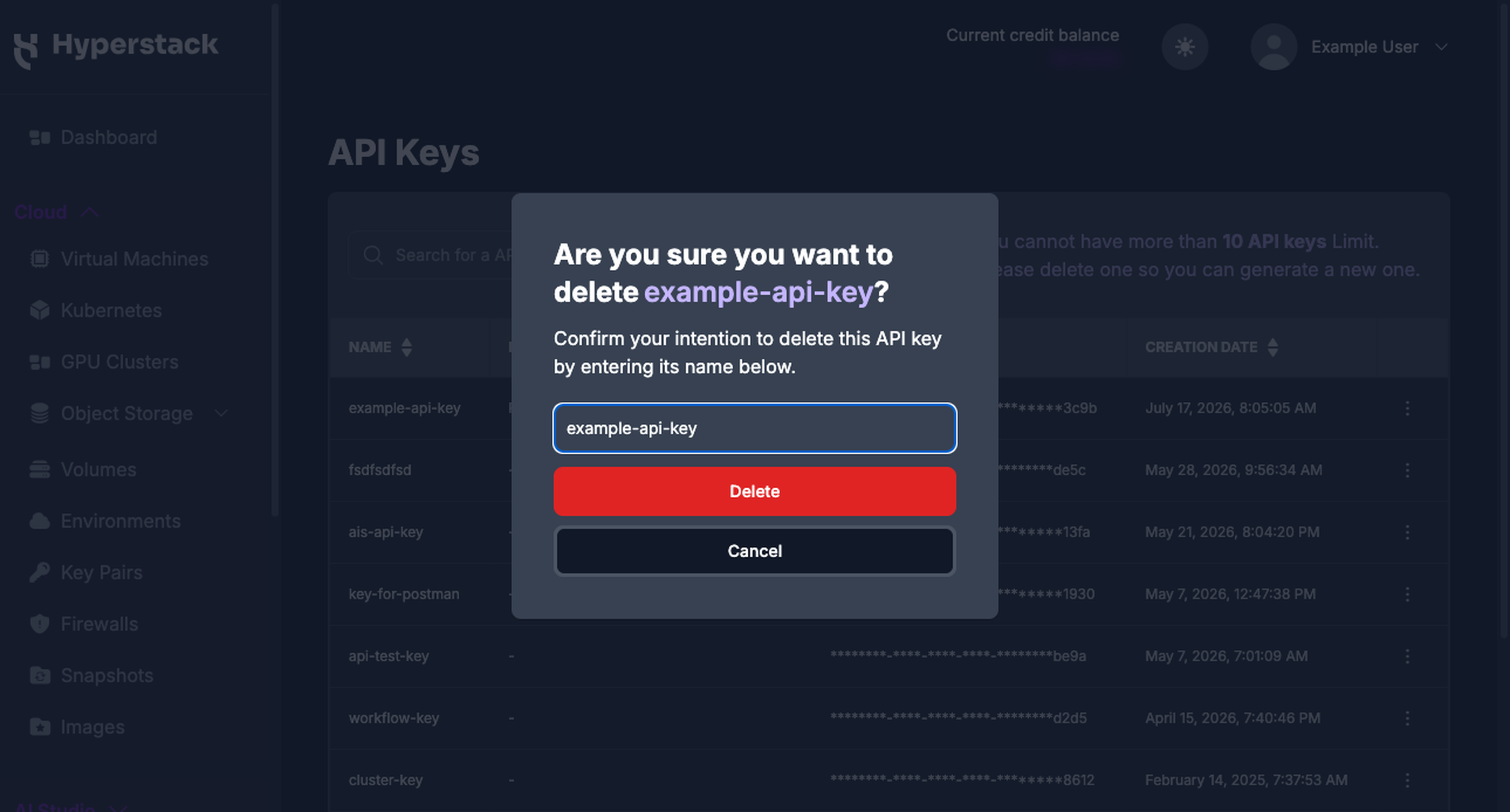
Deleting a key revokes it immediately. Any request that uses a deleted key is rejected with a 401 Unauthorized response, so confirm that no client depends on the key before you delete it.
-
Navigate to the API Keys page and click the ⋮ menu on the key's row.
-
Click Delete.
-
In the confirmation dialog, type the key's name to confirm, then click Delete.
Manage API keys with the API
You can automate the same operations with the API Key endpoints. These calls authenticate with an existing key, so generate your first key in the console.
| Operation | Endpoint |
|---|---|
| Retrieve API keys | GET/api-key |
| Generate API key | POST/api-key/generate |
| Update API key | PUT/api-key/{api_key_id} |
| Delete API key | DELETE/api-key/{api_key_id} |
For example, generate a key with:
curl -X POST https://infrahub-api.nexgencloud.com/v1/api-key/generate \
  -H "api_key: YOUR_API_KEY" \
  -H "Content-Type: application/json" \
  -d '{
    "name": "ci-pipeline",
    "description": "Programmatic access for CI deployments"
  }'
The response returns the new key as an api_key object, with the full value in its key property. As in the console, this is the only time the value is returned, so capture it from the response.
Limits and restrictions
| Limit | Value |
|---|---|
| API keys per user | 10 |
| Name length | 200 characters |
| Expiry | None, keys are valid until deleted |
| Scope | Your user account within one organization, across all its environments and regions |
| Per-key permissions | None, a key inherits your account's role |
| Value | Opaque and immutable, shown once at creation |
| Cost | Free |
When you reach the 10-key limit, Generate a New API Key is disabled until you delete a key.
Keep your keys secure
A key grants the same access as your account, so keep it secret and store it securely:
- Never commit keys to a repository or embed them in client-side code. Store them in environment variables or a secrets manager.
- Use a separate key per application or integration so you can revoke one without disrupting the others, and so each key's purpose is clear from its name.
- Rotate keys periodically, and immediately if one is exposed. Delete any key you no longer use.
For the full request header, code samples, and security guidance, see Authentication.